Replaying a TikTok over and over is slow, and typing each line by hand gets tedious. A TikTok transcript is the spoken content as text you can quote, compare with other scripts, or save as study notes. You don’t need to scrub through the audio again.
Three things separate the tools in this TikTok transcript generator comparison: whether they take a link or an uploaded clip, extract captions or transcribe speech, and export text documents or subtitle files. This guide covers 10 options and what each does best.
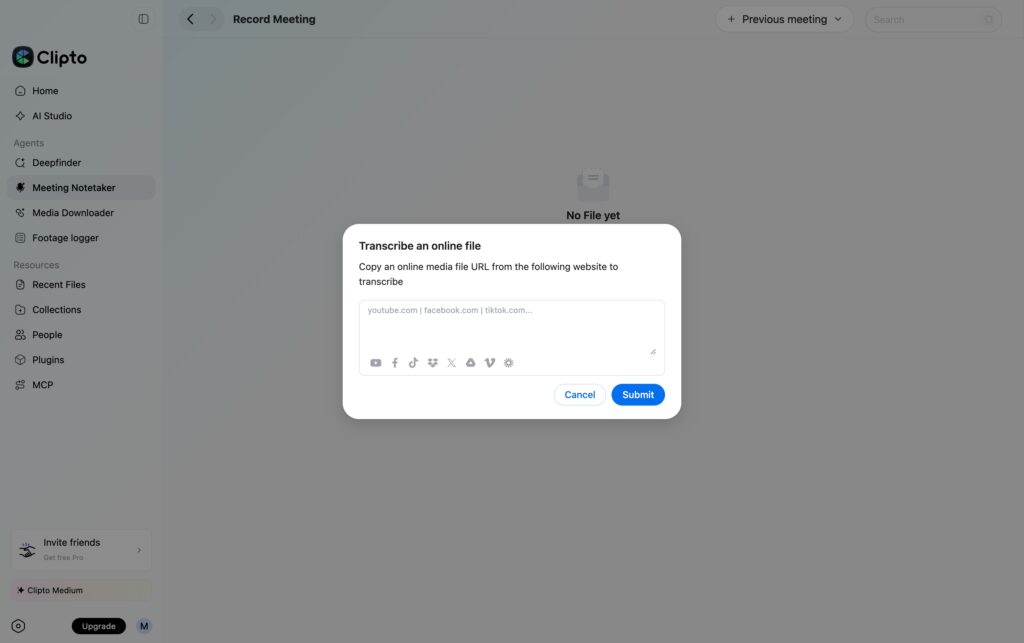
1. Clipto Online TikTok Transcript Generator
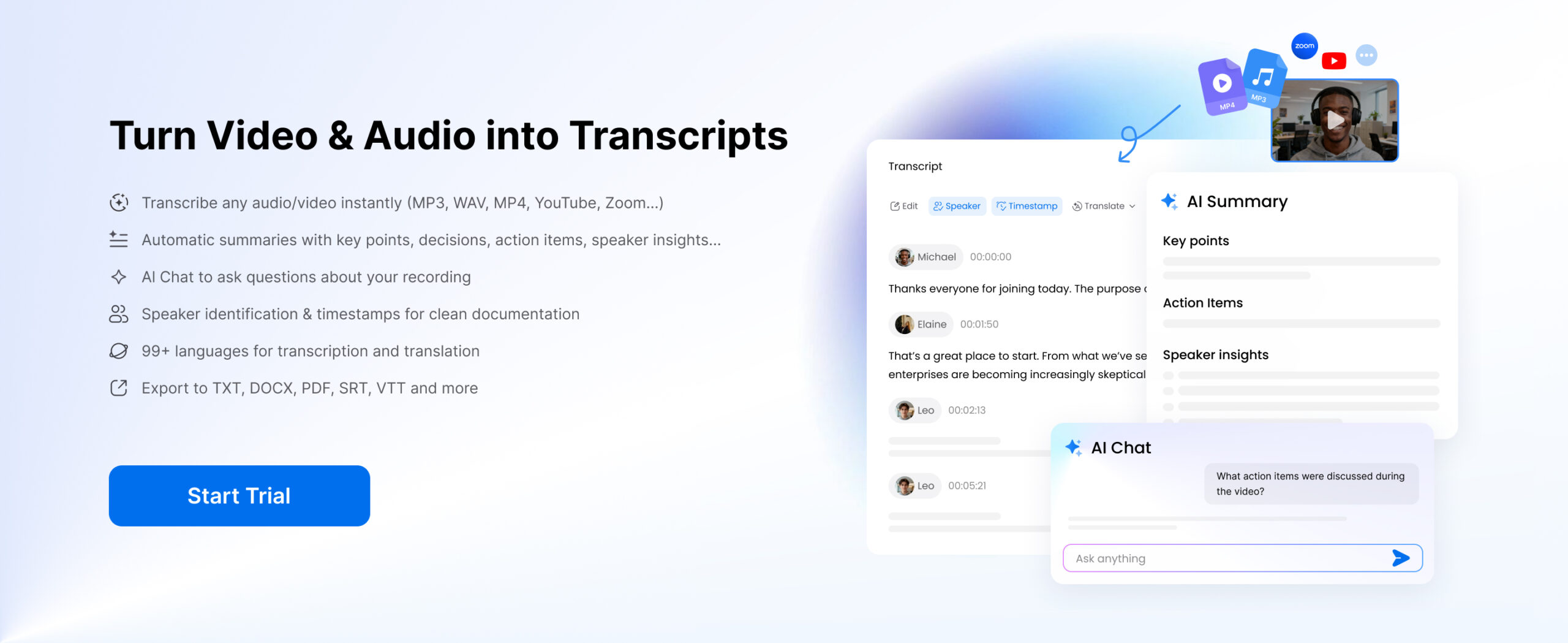
Clipto is an AI-powered TikTok transcript generator that converts TikTok videos to text quickly and accurately. With support for 99+ languages, it offers automatic transcription, speaker identification, timestamps, AI summaries, and AI Chat. You can also translate, edit, and export TikTok transcripts in multiple formats, including TXT, DOCX, PDF, and SRT.
Key Features:
- Accurate AI Transcription: Convert TikTok videos to text with up to 99% accuracy.
- Timestamps & Speaker Identification: Automatically identify speakers and add timestamps.
- 99+ Languages: Transcribe and translate TikTok videos in multiple languages.
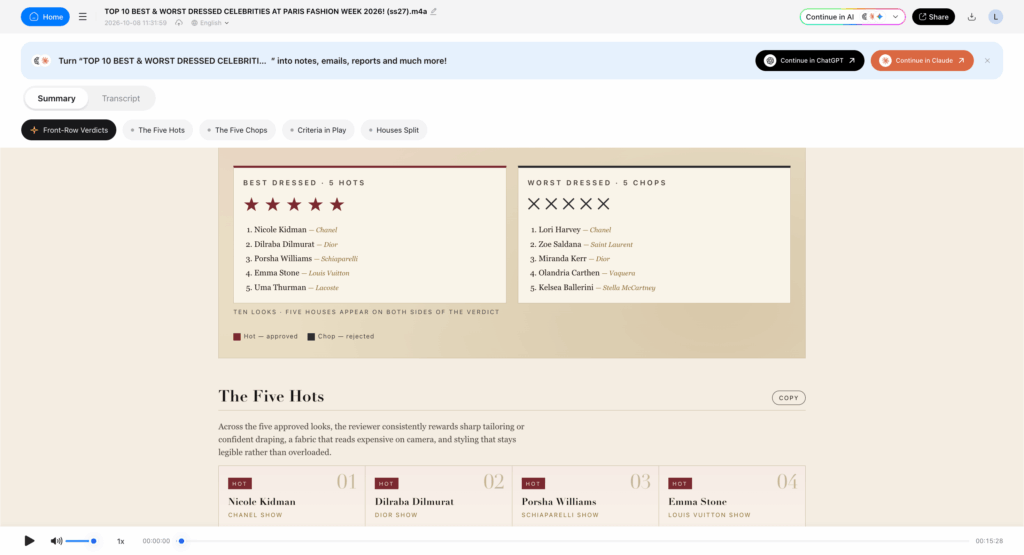
- AI Summary & Chat: Summarize videos and ask questions about their content.
- Flexible Export Options: Export transcripts as TXT, DOCX, PDF, SRT, and more.
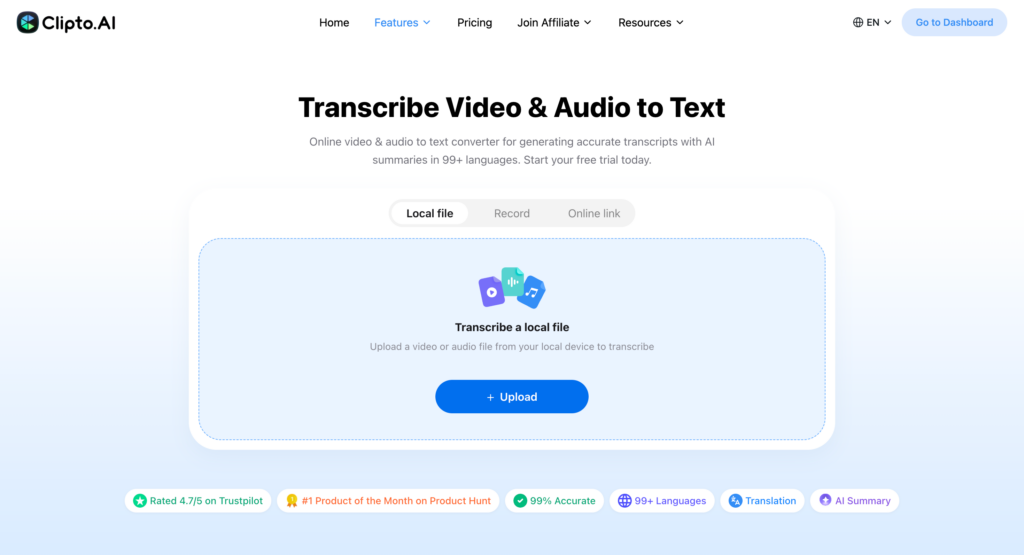
How to Transcribe TikTok Videos Online with Clipto
Step 1: Open a public post, select Copy link. If you’ve already saved the clip, use that file.
Step 2: Visit Clipto, then paste the URL or upload the TikTok video or audio file and start transcription.
Step 3: Review and edit the transcript as needed. You can also generate AI summaries, translate the text, or export your TikTok transcript.
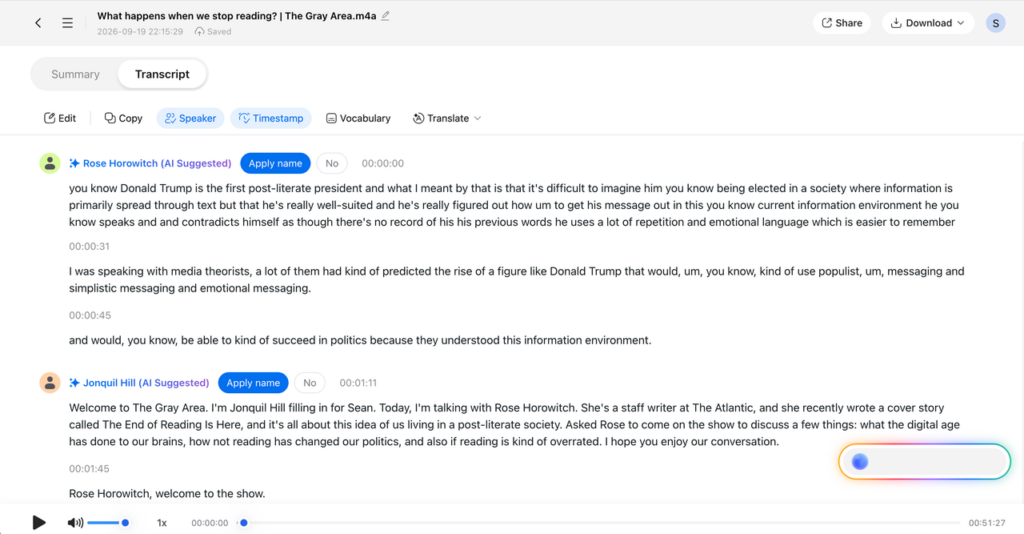
Note: Use AI Summary to quickly grasp key points and Translation to better understand TikTok videos in different languages.
2. Clipto TikTok Transcript Generator for PC
Clipto Offline TikTok Transcript Generator lets you convert TikTok videos to text directly on your Mac or Windows computer. All processing happens locally, keeping your videos and transcripts private and secure.
Key Features:
- 100% Offline & Private: Transcribe TikTok videos locally without cloud uploads.
- Accurate AI Transcription: Convert TikTok videos to text with up to 99% accuracy.
- Timestamps & Speaker Identification: Automatically detect speakers and add timestamps.
- 99+ Languages: Transcribe videos in multiple languages.
- AI Summary & Chat: Summarize content and ask questions about your transcripts.
- Multiple Export Formats: Export transcripts as TXT, DOCX, SRT, VTT, and more.
3. TokScript TikTok Transcript Generator
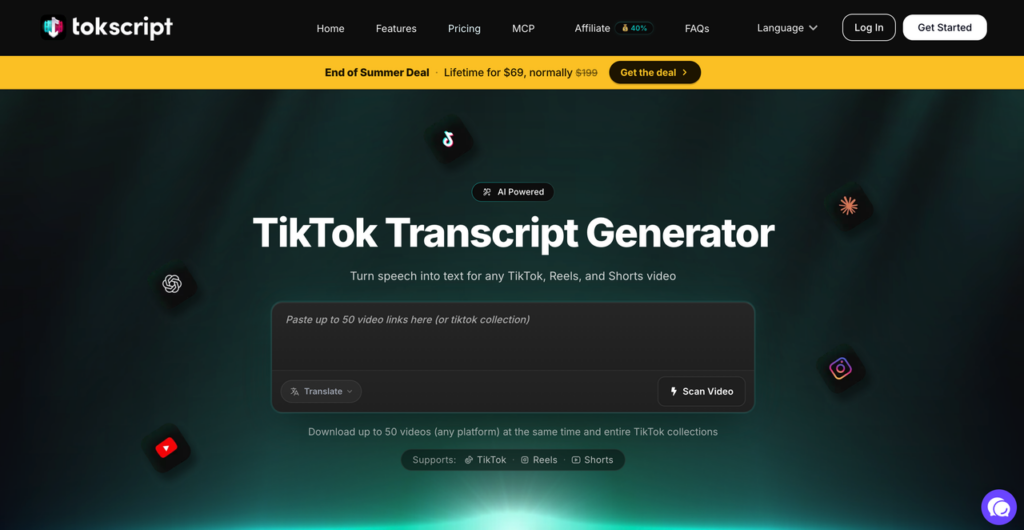
TokScript imports as many as 50 TikTok, Reels, or Shorts links in one batch. This TikTok transcript extractor also pulls an entire public collection or creator playlist from one URL.
Best for: Competitor research, content audits, and transcribing a back catalogue.
With an account, it stores your transcripts in a cloud library. You can:
- Saved history: Access earlier results with source links, download dates, and video durations; re-download completed transcripts.
- Folders: Organize clips into bookmark folders and search by keyword or title.
- Bulk exports: Export selected transcripts together as TXT, XML, JSON, or CSV for spreadsheets or AI workflows.
The free plan includes five transcripts daily; paid plans add bulk processing. Check SRT/VTT support if you need subtitles.
4. Kapwing TikTok Transcript Generator
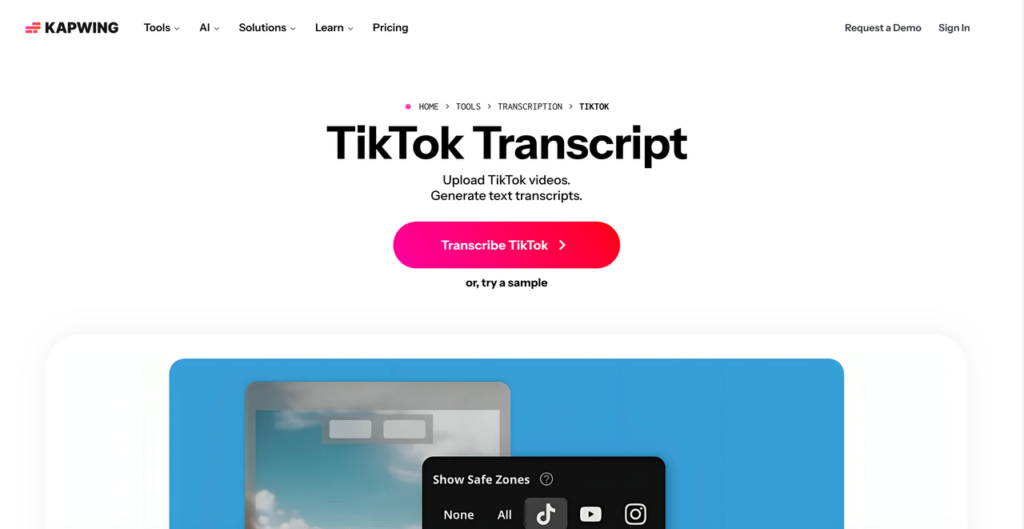
Kapwing TikTok Transcriber is a browser-based video editor for clips that need further editing after transcription. Paste a TikTok link or upload a file, then correct the wording, adjust caption timing, and trim the video by deleting transcript lines.
Best for: Subtitle cleanup, caption styling, and repurposing short videos.
You can choose between three outputs:
- Text files: Download a TXT transcript for notes, quotes, or blog drafts.
- Subtitle files: Export SRT or VTT with timestamps for uploading captions to other platforms.
- Captioned videos: Burn subtitles into an MP4 for publishing on TikTok, Reels, or Shorts.
Free accounts get 10 lifetime credits, covering up to 10 minutes of auto-subtitling. TXT downloads don’t carry a watermark; SRT/VTT exports require an upgrade. Free video exports have a watermark and a four-minute limit at 720p.
5. TransClipper TikTok Transcript Generator
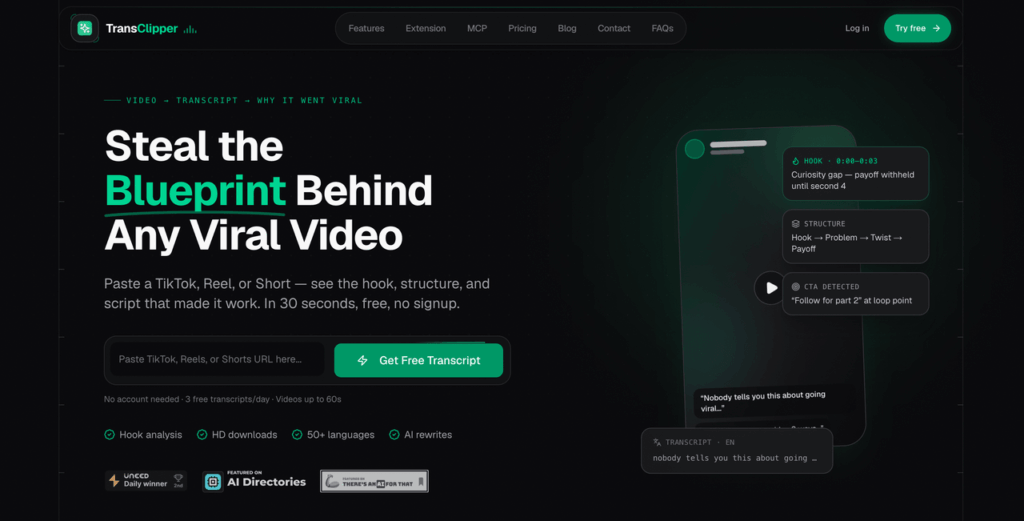
TransClipper is a TikTok transcript extractor with built-in video analysis. It transcribes TikTok, Reels, and Shorts in seconds.
Best for: Studying short-video formats and competitor content.
Its research features include:
- Viral analysis: Get a breakdown of the opening hook, script structure, call to action, and viral score.
- AI tools: Generate new openings and scripts based on the original clip.
- Research library: Save results in a searchable collection for future reference.
You don’t need an account for the three free daily transcripts, limited to 60-second videos. Bulk imports of up to 50 links require a paid plan, and AI agent runs are capped monthly.
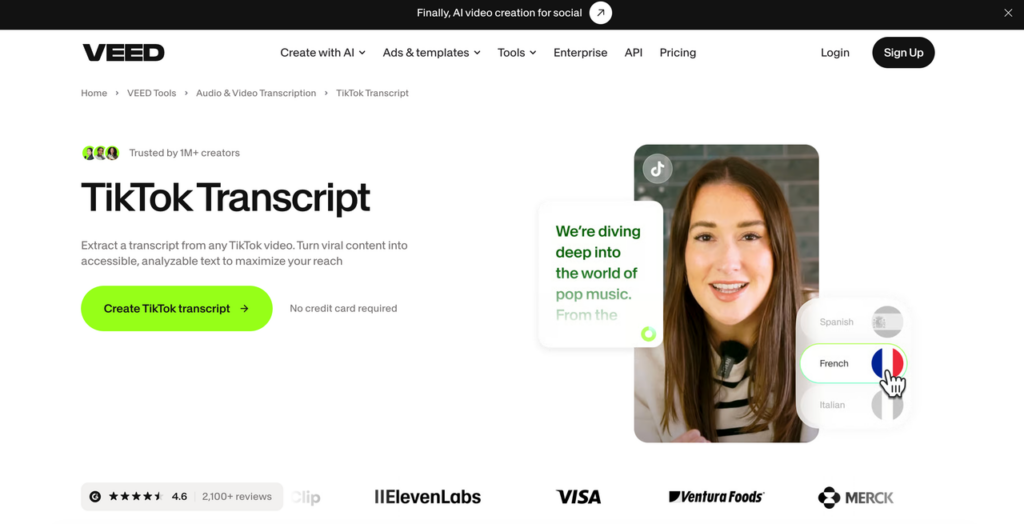
6. VEED TikTok Transcript Generator
VEED is a browser-based editor for preparing captioned social videos, that lets you easily transcribe TikTok to text. Upload or import a clip, generate subtitles, and review the lines for missed words.
Best for: Publishing short videos in multiple languages.
Once you’ve checked the text, you can:
- Multilingual captions: Translate it into 125+ languages and create versions for different audiences.
- Styling: Change the font, color, size, and position of the subtitles.
- Video export: Download an MP4 with captions burned in, ready to publish.
Separate TXT, SRT, and VTT TikTok transcript downloads require a paid plan. Free videos are watermarked and limited to 720p; paid subscriptions support higher resolutions without VEED’s logo. Transcription and translation allowances vary by plan.
7. HappyScribe TikTok Transcript Generator
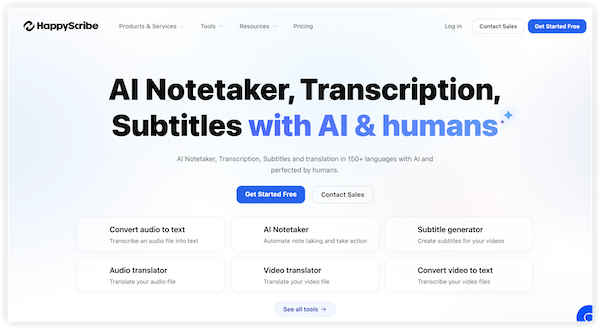
HappyScribe is a TikTok transcription and subtitling platform for multilingual projects. Upload a TikTok file, then choose AI transcription or optional human proofreading.
Best for: Translated captions, collaborative review, and transcripts for publication.
Its language and review tools include:
- Language tools: Generate AI transcripts in 150+ languages and dialects, then translate the reviewed text.
- Shared editing: Invite colleagues to correct wording, edit speaker labels, and leave comments.
- File exports: Download TXT or DOCX for written records, and SRT or VTT for captions, depending on your plan.
AI TikTok transcripts cost less and arrive in minutes. Human proofreading is charged separately, with typical delivery targets of 24 to 48 hours depending on the language.
8. Rev TikTok Transcript Generator
Rev is a transcription service with separate AI and human options. Upload a TikTok file and choose the level of review your project needs to get TikTok transcript.
Best for: Checking quoted speech and preparing text for publication.
The two services of TikTok transcript generator suit different tasks:
- AI transcription: Generate a quick draft for searching clips or finding quotes, then check the wording against the audio.
- Human transcription: Order a professionally prepared version when names, technical terms, or unclear speech need closer attention.
Pay-as-you-go AI transcripts start at $0.25 per audio minute and usually arrive within five minutes; subscriptions include transcription allowances. Human orders start at $1.99 per minute, with a stated 12-hour turnaround. Optional add-ons cost extra.

9. Notta TikTok Transcript Generator
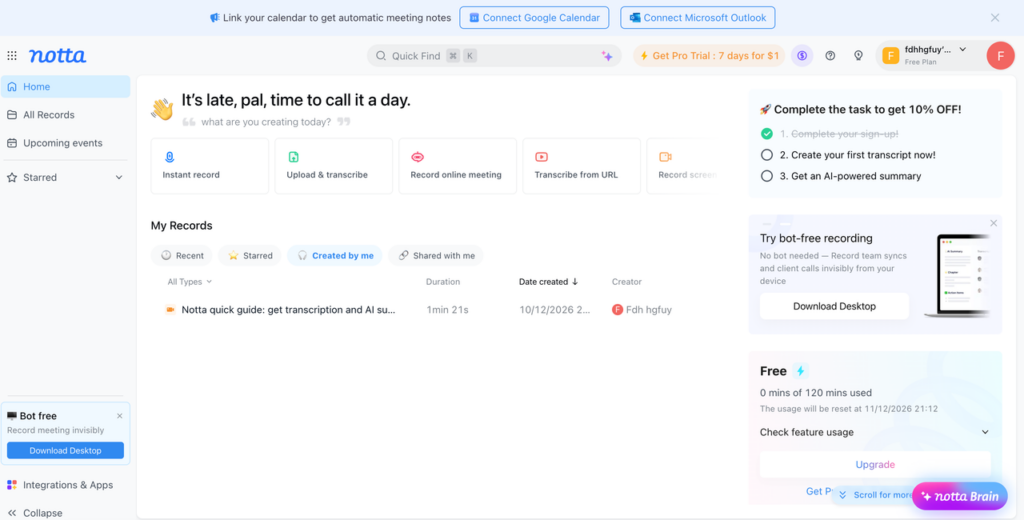
Notta is an AI-powered transcription workspace that lets you transcribe TikTok videos to text and organize short recordings in one place. This TikTok transcriber keeps tutorials, interviews, and other reference material in one searchable place.
Best for: Organizing TikTok clips for ongoing study and research.
After transcription, you can:
- Search: Find keywords in saved recordings and locate relevant passages without replaying each clip.
- Bookmarks: Mark useful sections and add notes for later reference.
- Folders and sharing: Group related material and share transcripts through a link.
For TikTok transcript, upload a saved audio or video file. Free access includes 120 minutes monthly, capped at three minutes per recording. You can view and copy text, but TXT, DOCX, and SRT downloads require Pro or above.
10. Riverside TikTok Transcript Generator
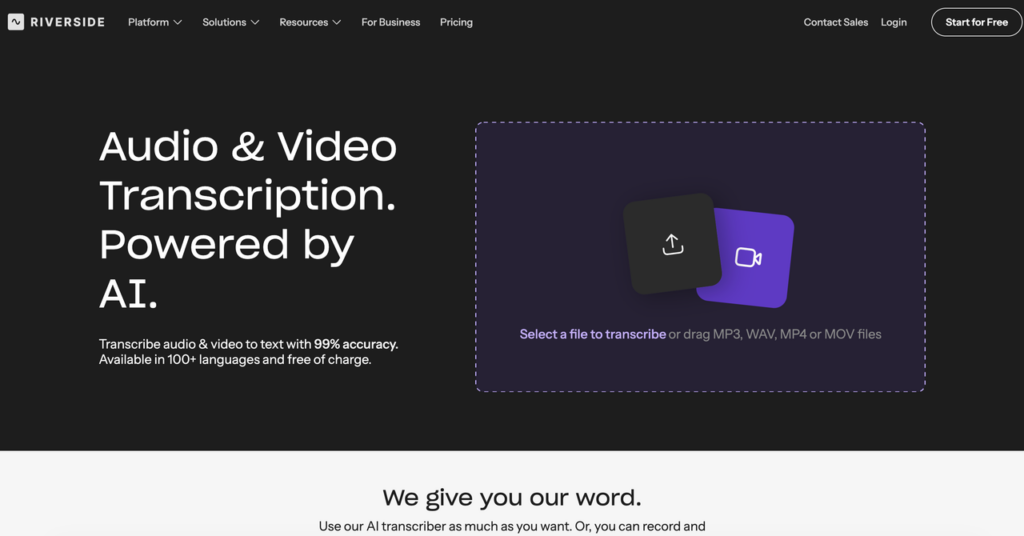
Riverside has a standalone browser tool for unlimited free TikTok transcript extractor, including TXT and SRT downloads. You don’t need an account.
Best for: Downloaded TikTok clips that need text or subtitle files.
The basic workflow is:
- Upload: Add an MP4, MOV, MP3, or WAV file from your device.
- Transcribe: Select the language and generate the text.
- Export: Download TXT for notes or SRT for timestamped captions.
TikTok links aren’t supported, and the TikTok transcriber doesn’t separate speakers. Paid plans include speaker detection and editing features, though speaker labels work best with separate audio tracks.
Conclusion
Choosing the right TikTok transcript generator depends on your needs. Whether you want to transcribe TikTok videos to text, create subtitles, or repurpose content, these 10 tools offer different features to make the process easier.
For a versatile solution, Clipto offers accurate AI transcription, timestamps, speaker identification, and AI-powered summaries in 99+ languages. You can also download TikTok videos and convert them to text with Clipto’s online or offline tools, making it easier to save, transcribe, and repurpose TikTok content.
FAQs
Does TikTok show transcripts?
TikTok displays auto-generated captions on many clips, but it doesn’t have a full transcript panel or a text export option. The caption beneath a post is the creator’s description, not a written record of the dialogue.
Can a TikTok transcript generator extract on-screen text?
Not with speech recognition alone. Text stickers and title cards are part of the image, so words the narrator doesn’t say won’t appear in an audio transcript. Capturing those details requires OCR, which reads lettering from video frames. The tool needs to support this feature separately.
Why can’t I get a transcript of a TikTok video?
A link-based tool can’t retrieve a clip that’s private, deleted, or region-blocked. Open the URL in a browser while signed out of TikTok to see whether it’s publicly accessible. A blank result may mean there’s no audible speech. A caption-based extractor can also return nothing when the clip has no subtitle track.