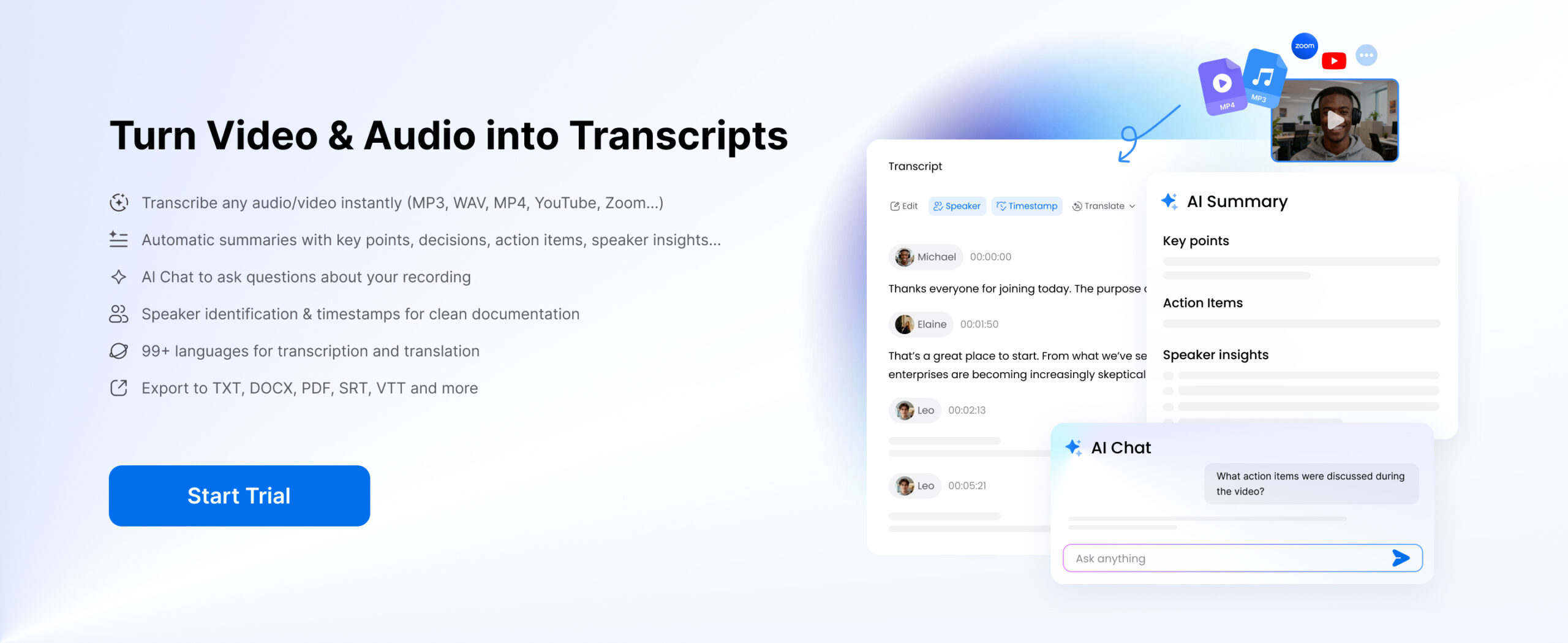
Decisions occur during meetings, but the details will be missed. An attempt to listen, think and take notes simultaneously usually results in incomplete or incoherent records. That is why an increasing number of people are seeking the best AI meeting note taker to record conversations with greater accuracy.
Using AI tools, you can concentrate on the conversation, and the system assists in transcribing audio to text and structuring major points and creating simple summaries. No matter which type of Free AI note taker you are using or a more advanced one, the idea is to minimize manual labor and simplify reviewing and sharing of notes. Value does not necessarily mean making meetings clear but making them more applicable in the future.
Part 1: What Is an AI Meeting Note Taker?
An AI meeting note taker automatically transcribes meetings, arranging the conversations in a structured format as an easy-to-read and easy-to-take-action meeting note. It can record everything in real time or using uploaded records, without any need for memory or handwritten notes, so no important detail gets lost, while enhancing transcription of audio and usability.
What It Does
- Converts speech to text
- Generates summaries and key points
- Identifies action items and next steps
How It Differs from Traditional Methods
- Voice recorders → audio only, no structure
- Manual notes → incomplete and inconsistent
- AI tools → clear, searchable, and organized notes
AI Meeting Notes vs Manual Note-Taking
Manual note-taking is often slow and unreliable, especially during fast-paced discussions. Important details can be missed, and notes may end up incomplete or unclear.
AI meeting note takers solve this by:
- Saving time → automatically transcribe audio to text without interrupting the conversation
- Reducing information loss → capture full discussions through accurate audio transcription
- Improving focus → allow you to participate fully instead of typing notes
An AI meeting note taker is, in short, more than just a tool for taking notes; it’s a tool for action. It intelligently summarizes conversations and combines them with audio transcription, making it easy to review, share and act on takeaways immediately.
Part 2: 5 Best AI Meeting Note Taker (Top Tools Compared)
The selection of the best ai meeting note taker should be based on your working style, either you want real-time support during a meeting or you want to have a summary at the end of the meeting or you want to have a meeting summary asynchronously. Here are five popular tools that are applicable to various workflows.
1. Clipto – Best for Transcription & Structured Meeting Notes
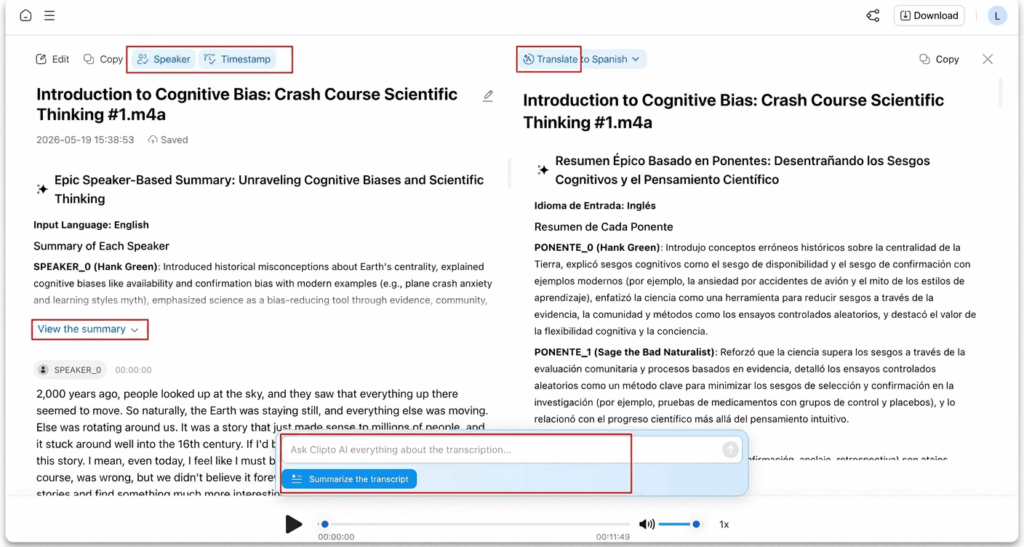
Clipto is an AI-powered tool designed to transcribe and summarize meeting notes. It is more flexible with different meeting workflows as it allows for both live recording and uploaded audio or video, unlike tools that are only for live meeting bots.
Key Features:
- High accuracy audio transcription, speaker identification and timestamps
- Allows for lengthy recordings and real-time transcription
- Instantly generate key points, highlights, speaker insights, decisions and action items from any meeting
- Use AI Chat to search transcripts, extract information and get answers to specific questions in seconds
- Translate transcripts, summaries and meeting notes into multiple languages with a single click
Best For:
- Zoom, Google Meet or Teams meeting recordings
- Reviewing long or complex discussions
- Teams that need clear summaries after meetings
- Async workflows where meetings are recorded and processed later
Why It Stands Out:
- Works without requiring a meeting bot to join calls
- Handles both live recording and uploaded meetings
- Combines transcription and summaries in one workflow
- Better suited for reviewing and organizing meeting content after the session
If your workflow involves recorded meetings or longer discussions, Clipto.AI offers a simpler way to turn conversations into structured notes.
2. Otter.ai
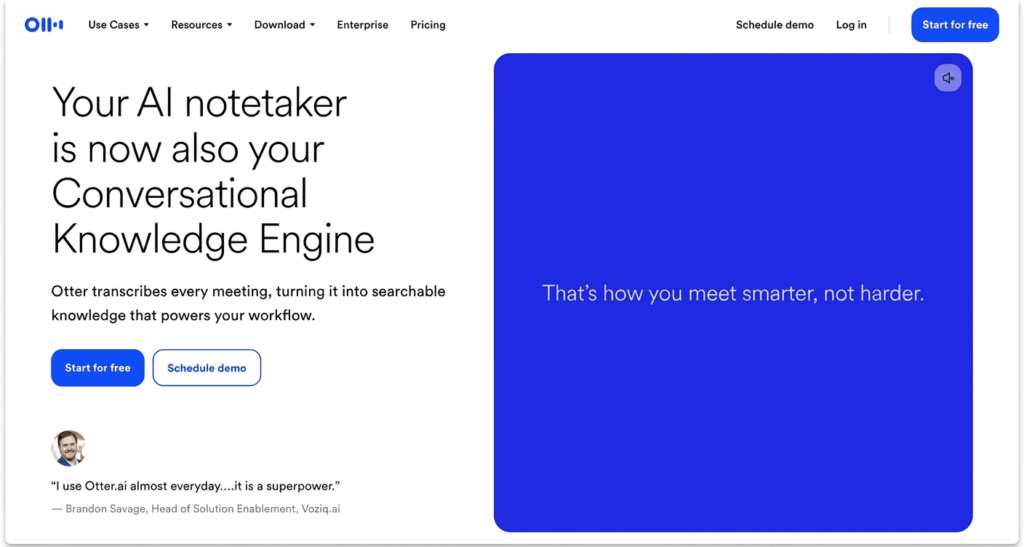
One of the most popular meeting transcribing tools, Otter.ai is popular among students, professionals, and remote teams.
Key Features:
- Live transcription of meetings.
- Identifying speaker in multi person speech
- Automatic summary and highlight.
- Integrations with Zoom or Google Meet.
- Searchable transcripts for easy review.
Best For:
- Live meetings, lectures, and interviews
- Teams that need real-time notes and quick access to discussions
Limitations:
- Free plan has usage and recording limits
- Accuracy may vary depending on audio quality and speaker clarity
3. Fireflies.ai
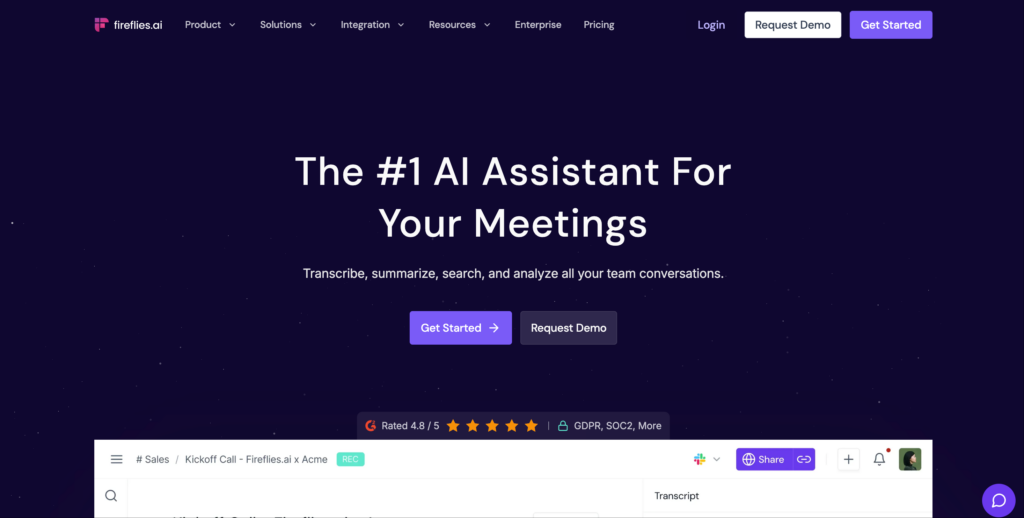
Fireflies.ai is designed for teams that want to automatically record, transcribe, and analyze meetings across different platforms.
Key Features:
- Automatically joins meetings (Zoom, Google Meet, Microsoft Teams)
- Searchable transcripts with keyword tracking
- Conversation analytics and insights
- CRM and collaboration tool integrations
- Shared team workspace for managing conversations
Best For:
- Teams and sales workflows
- Tracking conversations, follow-ups, and customer interactions
Limitations:
- Requires a meeting bot to join calls
- Less flexible for offline recordings or uploaded content
4. Avoma
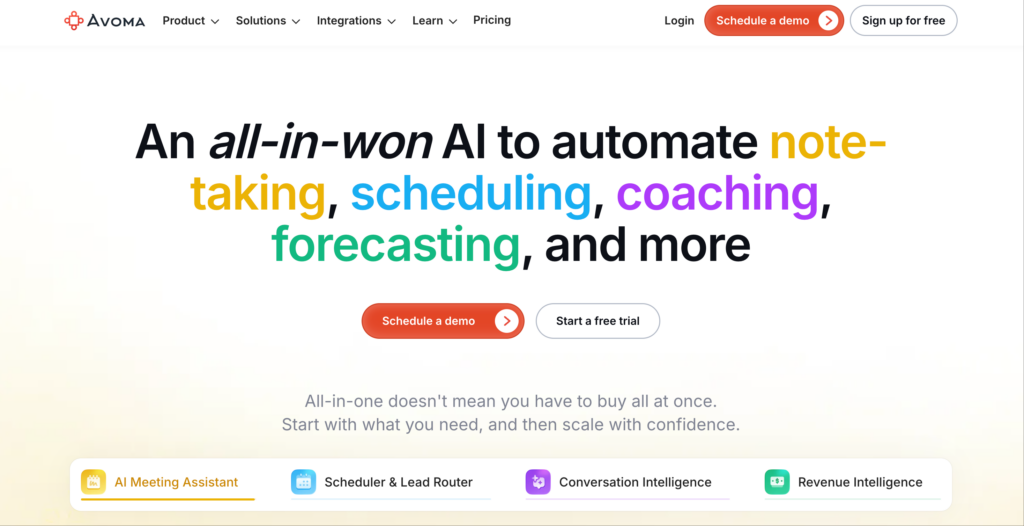
Avoma is a more advanced AI meeting assistant focused on sales teams and customer-facing roles that need structured insights from conversations.
Key Features:
- AI-generated notes and detailed call summaries
- Conversation intelligence (topics, keywords, sentiment)
- Coaching tools and performance insights
- CRM integrations for workflow automation
- Meeting templates and structured note formats
Best For:
- Sales calls, demos, and customer success teams
- Organizations with structured communication workflows
Limitations:
- More complex setup compared to simpler tools
- Less suitable for individuals or casual use
5. Fathom
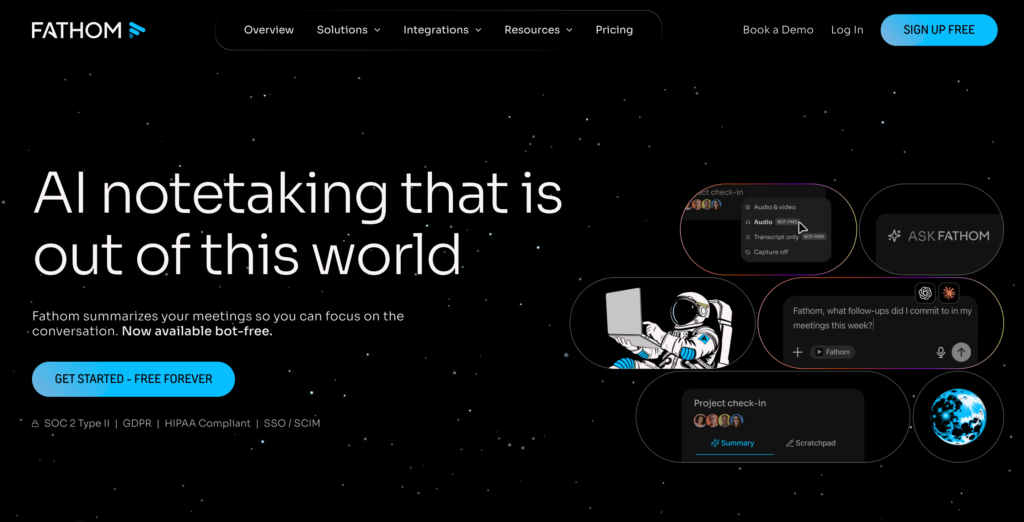
Fathom is a lightweight AI meeting assistant designed for quick note-taking, especially for Zoom users.
Key Features:
- Real-time transcription during meetings
- Instant highlights and key moments
- Simple summary generation after meetings
- Free plan available for basic use
- Easy-to-use interface with minimal setup
Best For:
- Individuals and small teams
- Quick summaries without complex workflows
Limitations:
- Primarily focused on Zoom (limited broader integrations)
- Fewer advanced features compared to more comprehensive tools
Part 3: How to Turn Meeting to Notes with the Best AI Meeting Note Taker
The entire process of creating meeting minutes using AI is typically straightforward. The example of Clipto shows that the process is developed to assist the user in transiting between raw conversation and structured output as fast as possible, and various summary modes can be used according to various requirements.
Step 1. Record a meeting or upload a meeting file
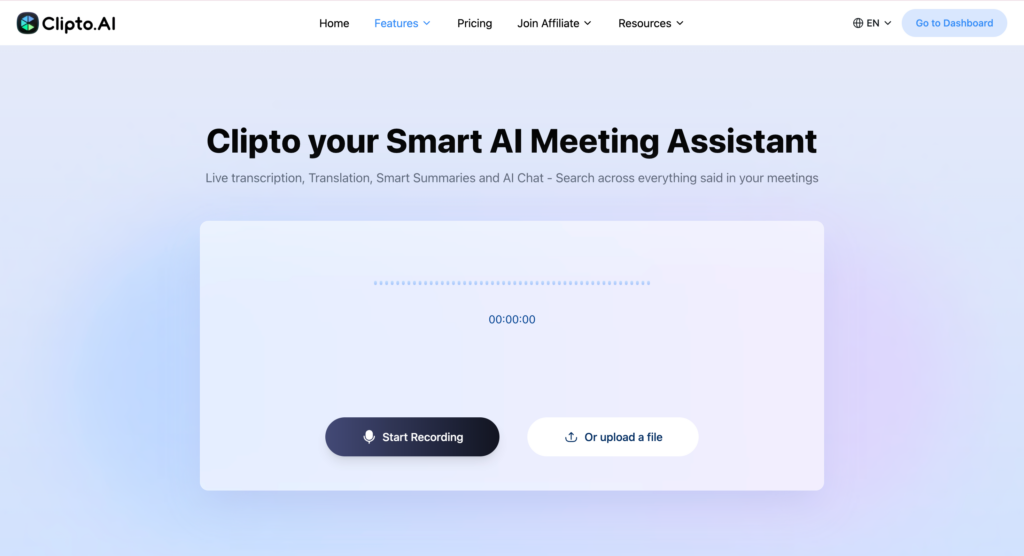
You can use audio or video files or record the conversation. This is effective in fulfillment of recordings, interviews and other verbal materials, especially when you need to transcribe audio to text efficiently.
If you need real-time subtitles, use the Start Recording feature.
Step 2. Generate meeting transcripts
The Clipto translates the speech and arranges the speech in an easy-to-read text, simplifying the review of the entire conversation through accurate audio transcription.
Step 3. Generate meeting notes
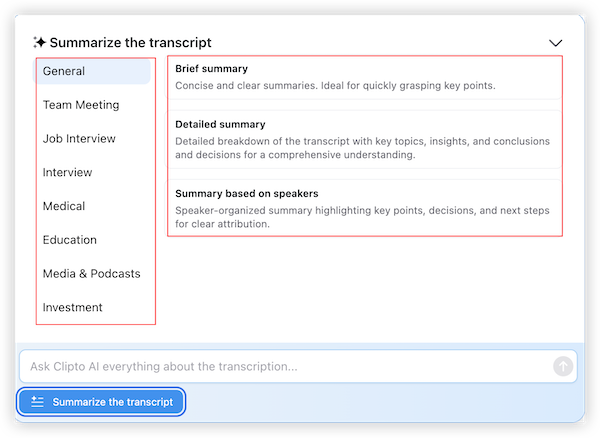
Clipto.AI, as opposed to providing a single generic response, provides various summary types including General, Brief Summary, Detailed Summary and Summary Based on Speakers.
It also has the option of scenarios such as Team Meeting, Job Interview, Interview, Medical, Education, Media and Podcasts, and Investment, so that the user is enabled to identify the output that suits the situation and receive useful notes in less time, helping users understand how to summarize meeting notes more effectively.
Step 4. Ask questions of the meeting using AI Chat
Once you have the transcript created, you are able to pose follow up, get conclusions or pinpoint certain details without having to go through the entire text one line at a time.
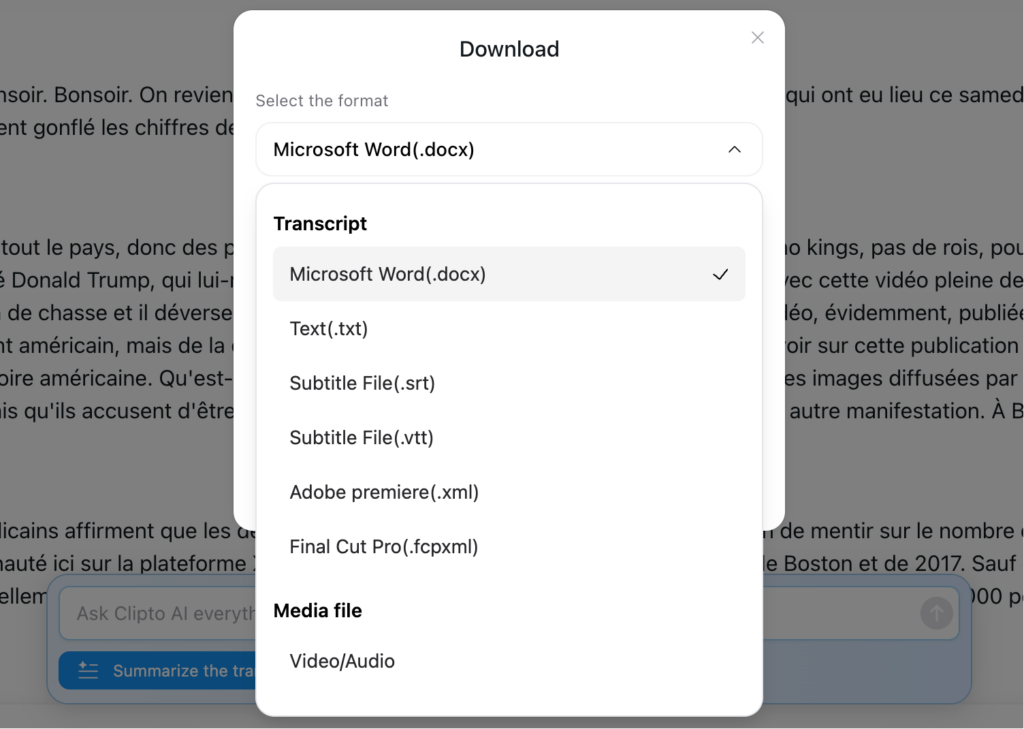
Step 5. Export or reuse the meeting note
When the notes are prepared, you may look them through, share or use them again when following up, reporting or writing up.
Such workflow enables AI-generated meeting notes to be more practical, since the result can be tailored to various situations rather than making every conversation fit the same format.
Conclusion
Note taker of the best ai meeting note taker is not only about recording the conversations, it is about making them into structured and useful insights that you can use. With the increase in the number of meetings and in the volume of information, it is no longer effective to use such methods of recording as notes or manual ones. AI tools assist in enriching transcribe audio to text, sorting important points, and simplifying the process of summarizing the notes of the meeting, so it is easier to overview discussions and decide what to follow up.
Regardless of starting with a Free AI note taker or going to a more sophisticated one, the purpose is similar to save time, minimize manual labor and have more clarity after each meeting. Other tools such as Clipto.AI take it a step further offering a combination of transcription and summaries in a single workflow that can assist you in turning conversations into clear results without any additional steps.
FAQs
1. Does it have a free AI meeting note taker?
Yes, most of the platforms have a Free AI note taker with minimal functionality. Such free plans tend to enable users to record or upload brief meetings and produce simplistic transcripts. But they have many restrictions on recording time, storage or features such as deep summaries and speaker commentaries. To build more elaborate workflows or to have more lengthy meetings, one will need to upgrade to a paid plan.
2. What is the accuracy of AI at meeting transcription?
Transcription of AI meetings may be very precise in case the quality of recording is good and speakers are distinguishable. The majority of the modern tools are efficient in low noise settings with low overlap. Accuracy can however decrease in circumstances where there is background noise, heavy accents, or more than two individuals conversing simultaneously. It is possible to select a tool that has a high speech recognition and speaker recognition to enhance the results of audio transcription.
3. Does AI have the ability to transcribe audio of Zoom meetings?
Yes, the vast majority of AI meeting tools are compatible with such platforms as Zoom, Google Meet, and Microsoft Teams. There are those tools that participate in the meetings automatically and others where you can upload audio or video files that are recorded to compute. Such elasticity results in capturing and transcribing meetings without any complications, especially when you need to transcribe audio to text.
4. Is it possible to use AI meeting tools to manage long recordings?
There is a lot of AI software able to handle long audio records including webinars, interviews, and even full-length meetings. It is worth noting though that not every tool is equally dedicated to dealing with long-form content, and as such, it is essential to ensure that there are no file restrictions or that the performance is sufficient. The tools that assist in longer durations can enable the preservation of context and generate more finished summaries.
5. Do AI note takers of meetings benefit teams?
AI meeting note takers, in particular, come in particularly handy when dealing with teams that operate in various roles or in different time zones. They offer common access to transcripts and summaries, facilitating the process of monitoring decisions and reaching an agreement on the plan of action. This minimizes the distortion of communication and enables the teams to remain organized without using manual note taking.